Light. Dark. Yours.
Follow your system, or choose your own mood.
 COMING SOON · NEXT MONITOR
A little monitor. A whole lot going on.
Meet the mighty side of your Mac.
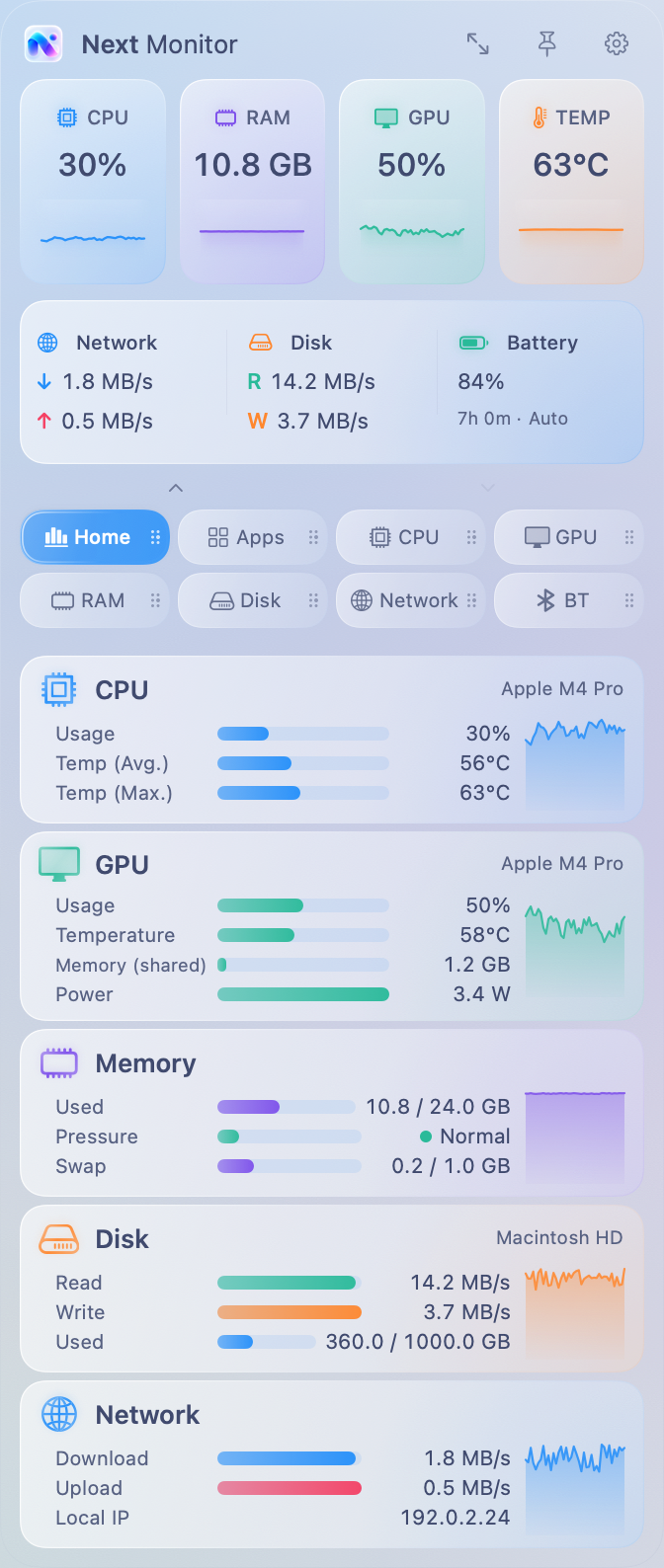
Next MonitorBuild 18 interface. Fictional demo data. No connection to your Mac.
YOUR TURN.
Grab a tab, drag it out, and drop it.
GO A LITTLE DEEPER.
From the big picture to an individual core.
Explore the current app views, shown with example readings.
CPU, graphics, memory, disk and network — in one calm overview.
THE LITTLE THINGS, CONSIDERED.
Follow your system, or choose your own mood.
Your units. Your refresh interval.
Your choice of stats in the menu bar.
Click a metric to reveal the technical details beneath it.
Export eight CSV files: current readings, per-core data, applications, technical information and the histories available on your Mac.
NEXT MONITOR